Every click, login, or transaction today depends on trust — and trust begins with secure verification.
In India, millions of businesses depend on OTPs (One-Time Passwords) to authenticate users. But SMS OTPs, once the standard, are now facing delivery delays and rising DLT costs. That’s why 2026 has seen a sharp shift toward WhatsApp-based OTP verification — faster, richer, and completely DLT-free.
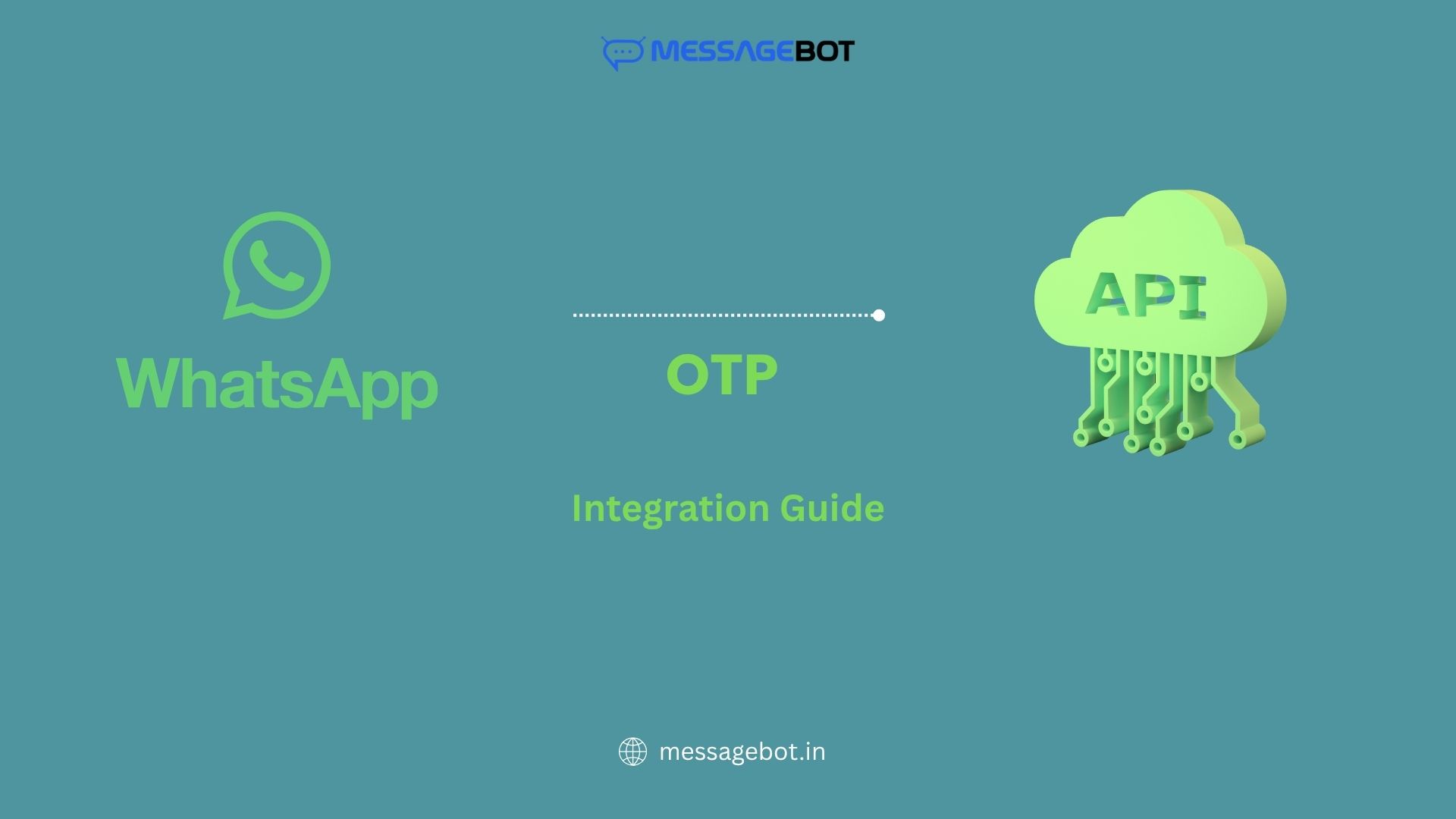 In this detailed guide on WhatsApp OTP API integration in India, we’ll explore how businesses can set up secure, DLT-free verification using MessageBot’s API.”.
Why Businesses Are Moving to WhatsApp OTP in 2026
Over 400 million Indians use WhatsApp daily. That makes it the most accessible channel for authentication and customer engagement.
Here’s why businesses are switching from traditional SMS to WhatsApp OTP:
- Instant delivery: WhatsApp messages reach users within 2–3 seconds.
- DLT-free: No need for template registration or header approval.
- Secure & verified: Sent via your verified WhatsApp Business account.
- Interactive: Users can confirm or respond instantly.
- Cost-effective: Lower cost per message compared to SMS OTP over the long run.
- Global delivery: Works internationally through the same API setup.
If you’ve read our earlier post on WhatsApp OTP Service in India, you already know how it improves reliability and user experience. Now let’s go deeper — into the integration process.
Understanding WhatsApp OTP API Integration
The WhatsApp OTP API lets your application send a unique one-time password to users directly through WhatsApp messages using a secure API.
It typically involves:
- Generating a unique OTP server-side.
- Sending it to the user’s WhatsApp number via the MessageBot WhatsApp Business API.
- Verifying the OTP upon user input.
Sample WhatsApp OTP Flow
- User enters their mobile number.
- Server generates OTP (e.g., 4–6 digits).
- MessageBot API sends the OTP message:
“Your login OTP is 458926. Do not share this code with anyone.”
- User enters OTP in your app/web form.
- Server validates and authenticates user.
Simple, secure, and fast — no DLT delays, no failed deliveries
Step-by-Step WhatsApp OTP API Integration in India
Follow these steps to set up WhatsApp OTP API integration in India using MessageBot’s Business API.
1. Get WhatsApp Business API Access
Before integration, register your business with a WhatsApp Business Solution Provider (BSP) like MessageBot.
You’ll need:
- Verified Facebook Business Manager account
- Approved WhatsApp Business profile
- Display name and phone number
2. Generate Your Access Token
Once your account is approved, you’ll receive an API access token and endpoint credentials from MessageBot’s dashboard.
Keep these secure — they’ll be used for authentication with every API call.
3. Set Up the OTP Generation Logic
Use your application’s backend (Node.js, Python, PHP, etc.) to generate a random OTP and map it to the user session.
Example pseudo-code:
import random
otp = random.randint(100000, 999999)
Store it in your database with an expiry time (usually 2–5 minutes).
4. Send the OTP via MessageBot’s WhatsApp API
Example POST request:
{
“to”: “+919876543210”,
“type”: “template”,
“template”: {
“name”: “otp_template”,
“language”: { “code”: “en” },
“components”: [{
“type”: “body”,
“parameters”: [{ “type”: “text”, “text”: “458926” }]
}]
}
}
Within seconds, the user receives:
“Your OTP is 458926. It’s valid for 5 minutes.”
5. Verify the OTP
When the user enters the OTP, compare it against your database entry. If it matches, mark verification complete and trigger your desired flow (login, transaction, registration, etc.).
6. Handle Webhooks for Delivery Reports
MessageBot’s API provides webhook support for delivery updates and message status. This ensures you can track if the user actually received and read the OTP — useful for analytics and re-engagement.
WhatsApp OTP vs SMS OTP vs Voice OTP
| Factor | WhatsApp OTP | SMS OTP | Voice OTP |
| Delivery Speed | 2–3 sec | 5–10 sec | 6–8 sec |
| DLT Required | No | Yes | Yes |
| User Experience | Interactive | Passive | Call-based |
| Cost/Message | Medium | Low | High |
| Reliability | 99.5% | 97% | 96% |
For a fully redundant verification setup, combine these three methods — what we call “Omnichannel OTP Delivery.”
Read our guide on Voice OTP Service in India to see how voice calls complement WhatsApp for high-priority verifications.
Compliance and DLT-Free Advantage
One of the biggest reasons Indian companies are switching to WhatsApp OTP is the freedom from DLT restrictions.
Unlike SMS OTPs, you don’t need to:
- Register templates under a telecom header
- Wait for operator approval
- Deal with random delivery delays
MessageBot ensures all WhatsApp messages are end-to-end encrypted and routed via TRAI-compliant, Facebook-approved channels.
If your business still manages DLT registration for SMS, check our DLT Registration in India: Step-by-Step Guide — it pairs perfectly with WhatsApp for hybrid messaging workflows.
Common Use Cases for WhatsApp OTP in India
- Fintech & Banking:
Secure KYC verification, account login, and payment approvals. - E-commerce:
Order confirmations, return verifications, and quick logins. - Healthcare & EdTech:
Patient onboarding, student logins, and appointment verifications. - Ride-Hailing & Delivery Apps:
Instant driver or customer authentication. - Government & Public Services:
Aadhaar-linked or portal verifications through verified business accounts.
For cost-sensitive segments or rural audiences, you can pair this with Missed Call Verification in India — a free OTP alternative for areas with limited data connectivity.
How MessageBot Simplifies WhatsApp OTP API Integration
With MessageBot, setting up WhatsApp OTP API integration in India becomes quick, secure, and developer-friendly.
Key Features
- Easy Integration: RESTful API, SDKs, and webhook support
- DLT-Free Messaging: Zero operator dependency
- Secure Routing: End-to-end encryption + verified business sender
- Real-Time Reports: Track delivery and read receipts
- 99.9% Uptime: Enterprise-grade reliability
Developer-Friendly Setup
MessageBot provides ready-made templates and API keys through an intuitive dashboard. Integrate in under 15 minutes with clear documentation and test environment access.
Best Practices for WhatsApp OTP Integration
To optimize your WhatsApp OTP API integration, follow these proven tips for reliability and compliance.
Use Templates Wisely:
Keep OTP templates short and personalized (avoid promotional content).
Set Expiry Timers:
Every OTP should expire within 5 minutes for security.
Add Retry Channels:
If WhatsApp OTP fails (rarely), fall back to SMS or Voice OTP.
Track Conversions:
Use delivery receipts and webhook events to measure verification success rate.
Verify Sender Name:
A verified business display name boosts user trust and prevents phishing.
The Future of OTP Delivery in India (2026 and Beyond)
In 2026, multi-channel verification is the standard. Businesses no longer rely on one mode — they mix WhatsApp, SMS, Voice, and Missed Call depending on user location, device, and intent.
This creates a seamless, fail-safe authentication flow that ensures 100% reach and zero fraud.
To learn how this works in practice, explore our Omnichannel Messaging in India post — it explains how Indian enterprises use APIs to unify customer communication.
Final Thoughts
Integrating WhatsApp OTP API is no longer optional — it’s essential. It delivers faster authentication, higher conversion rates, and an overall better customer experience.
As Indian enterprises scale digital operations, WhatsApp stands out as the most efficient verification channel — fast, DLT-free, and trusted by users.
Start Sending WhatsApp OTPs Instantly
Start your WhatsApp OTP API integration in India today with MessageBot’s WhatsApp Business API — secure, scalable, and built for enterprises.