WhatsApp has become the heartbeat of customer communication in India. Every order update, every appointment reminder, every delivery alert — even simple “Is this available?” customer queries — increasingly begin on WhatsApp. For most Indians, WhatsApp isn’t just a messaging platform; it’s the default channel of trust.
And as digital interactions scale, businesses are realizing something important: customer expectations have outgrown the simple WhatsApp Business App. People expect instant replies, rich media messages, quick resolutions, verified communication, and frictionless support — not scattered conversations across personal devices.
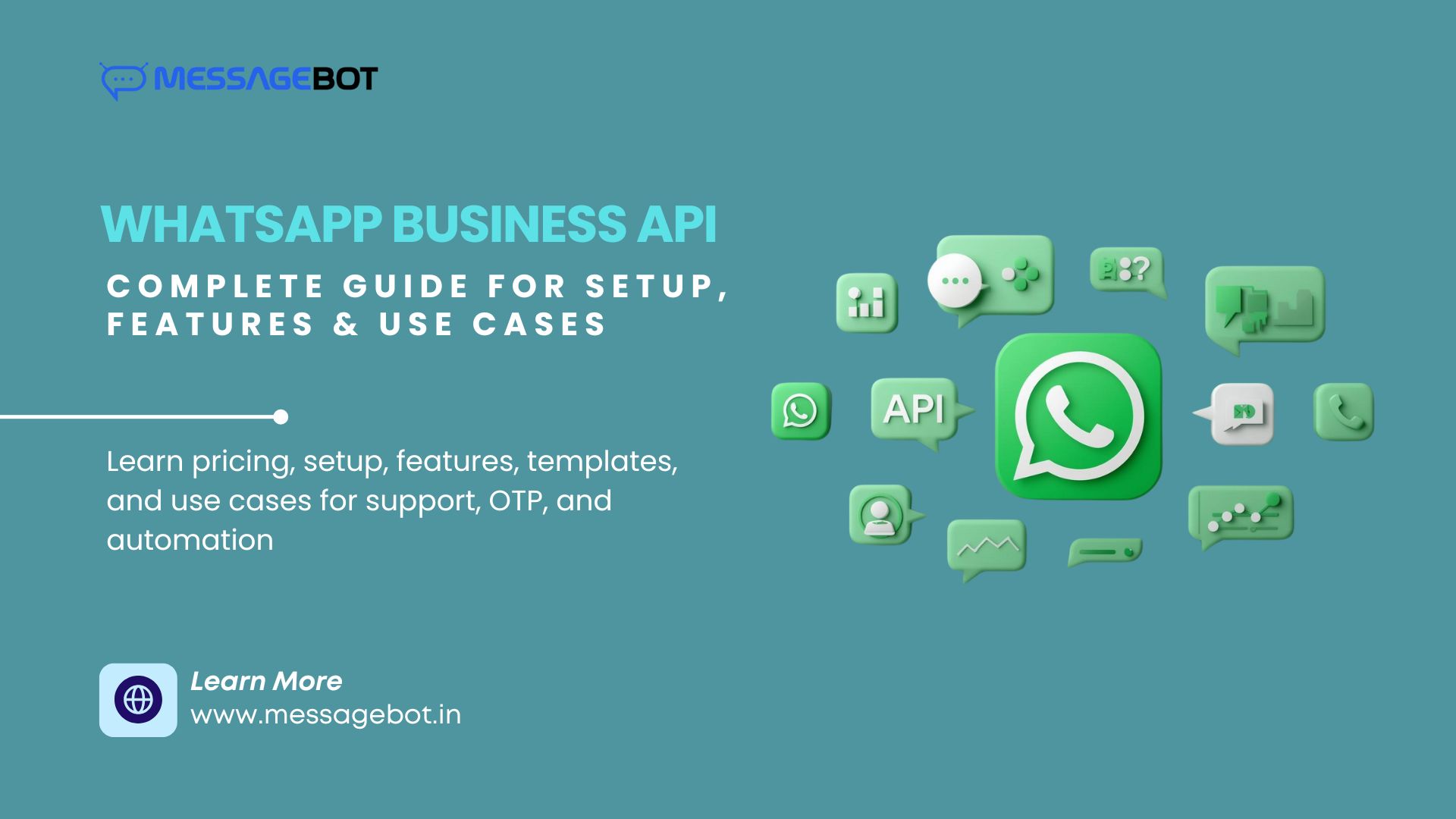 This shift is exactly why the WhatsApp Business API has become one of the most important customer communication tools for Indian businesses in 2026. What was once a messaging API is now an orchestrated communication layer — powering support automation, marketing, authenticated OTP messages, catalogue-based shopping, multi-agent workflows, and fully conversational customer journeys.
But adopting the WhatsApp Business API isn’t just about sending a template message. It’s about understanding a new communication infrastructure — one built around compliance, template intelligence, automation, analytics, and real-time user context.
This guide breaks down the WhatsApp Business API in India with the depth and clarity a modern business needs — whether you’re a startup exploring automation or a large enterprise planning to scale your customer operation
Why WhatsApp Business API Matters in India
To understand the significance of the WhatsApp Business API, you have to understand the Indian consumer first.
Indian users rely on WhatsApp for:
- daily communication
- payments
- document sharing
- customer support
- product discovery
- appointment reminders
- verification OTPs
- personal and professional conversations
This means businesses that communicate on WhatsApp are meeting users exactly where they already are — without asking them to install new apps, log into portals, or deal with SMS clutter.
In our recent piece on Omnichannel Messaging in India, we discussed how SMS, Voice, and WhatsApp are gradually forming a unified engagement layer. WhatsApp sits at the center of that shift because it offers what SMS cannot:
- rich media
- verified sender identity
- encryption
- consistent delivery
- interactive UI components
- two-way conversations
Indian consumers trust WhatsApp more than email, SMS, app notifications, and web chat — and that makes the WhatsApp Business API far more than a channel. It is the digital front door for modern customer experience.
What Exactly Is the WhatsApp Business API?
The WhatsApp Business API is Meta’s official enterprise interface that enables businesses to communicate with customers at scale. Unlike the free WhatsApp Business App — which works like a simple chat tool — the API is built for automation, integrations, compliance, and multi-agent customer support.
Behind the scenes, the API routes every message through:
- Meta’s approval engine
- encrypted delivery layers
- template categories
- quality rating algorithms
- verified business profiles
- a structured 24-hour messaging window
This is why the WhatsApp Business API is not plug-and-play — it is structured, reliable, compliant, and designed to protect both brands and consumers.
If you’ve used WhatsApp OTP flows before, you may remember our detailed WhatsApp OTP API Integration Guide, where we explained the role of templates, encryption, and API formatting. The same architecture powers everything inside the WhatsApp Business API — from promotions to order updates, support replies to conversational commerce.
How the WhatsApp Business API Works
Most businesses only see the surface:
“Send template – Message delivered.”
But at the infrastructure level, the WhatsApp Business API works through a series of policy-driven, encrypted steps designed to maintain quality and trust.
Here’s a high-level walkthrough:
1. A user event triggers the workflow
Signup, OTP, order update, abandoned cart recovery, support query — each becomes a messaging trigger.
2. Backend selects the right template
A WhatsApp template defines everything:
content – tone – button actions – variables – category.
Templates are mandatory for business-initiated messages.
3. API call sent through an official BSP
Platforms like MessageBot act as the bridge between Meta and your backend.
4. Meta validates & encrypts the message
Invalid templates, spam violations, or policy issues are rejected.
5. Message delivered with full insights
You receive:
delivery receipts
read receipts
failure codes
session window timestamps
This traceability makes the WhatsApp Business API far more transparent than SMS — where grey routes, device filtering, and DLT issues often obscure reliability (something we broke down in the Direct vs Grey Route SMS ).
Why Indian Businesses Are Switching to WhatsApp Business API
In 2026, WhatsApp is becoming the default verification, notification, and support channel for Indian brands. The reasons are practical, not theoretical.
1. No DLT dependency
SMS OTP and transactional messages face delays due to DLT.
WhatsApp doesn’t.
2. Faster delivery
WhatsApp notifications deliver almost instantly, regardless of network congestion.
3. Rich, interactive communication
Buttons, lists, catalogues, payments, PDFs — all inside a single thread.
4. Verified identity
A green tick builds trust instantly in a way SMS sender IDs cannot match.
5. Lower friction customer support
Users prefer texting over calling or emailing — and WhatsApp makes this natural.
6. Context stays intact
A single thread holds history, documents, media, and conversations.
7. Higher attention, higher conversions
98%+ open rate
90% read within 3 minutes
(SMS rarely offers this today)
In our Best Bulk SMS Gateway in India article, we discussed how businesses often rely on SMS for utility and notifications — but when it comes to engagement and conversation, WhatsApp simply performs better.
This is why the WhatsApp Business API has become a must-have for Indian businesses.
Templates, Categories & Policy Rules
Every business-initiated WhatsApp API message requires a pre-approved template.
Meta uses strict approval criteria to maintain user trust — context, clarity, transparency, and non-spam intent.
Templates fall into four categories:
1. Utility
Order updates, reminders, invoice sharing, payment status.
2. Authentication
WhatsApp OTP flows.
(We break these flows down extensively in our OTP Verification in India article.)
3. Marketing
Offers, product launches, catalogue shares, personalized campaigns.
4. Service (User-Initiated)
Replies inside the 24-hour window after a customer messages first.
Unlike SMS, templates for WhatsApp are not just text.
They can include:
- media headers
- quick reply buttons
- call-to-action buttons
- URL previews
- list menus
- variable placeholders
This makes WhatsApp templates a powerful engagement tool, not just a notification mechanism.
Features That Transform Customer Communication
The WhatsApp Business API is more than an API. It is a full customer experience infrastructure built around reliability, automation, and intelligence.
Here are the features that make WhatsApp a category-defining channel:
Rich Media Messaging
Images, videos, receipts, audio, invoices, boarding passes — everything lives in one message thread.
AI & Rule-Based Chatbots
Automate FAQs, returns, order tracking, onboarding, HR queries, appointment flows — all while allowing smooth handover to agents.
Multi-Agent Support
Teams can collaborate using a unified inbox with:
- agent assignment
- queue routing
- performance analytics
- conversation notes
- SLAs and quality monitoring
Conversational Commerce
WhatsApp turns discovery – engagement – transaction into a single flow:
- product catalogues
- pricing cards
- payment links
- shopping assistance
Global Reach
One verified WhatsApp channel can communicate with users worldwide, without additional regulations or telecom-level issues.
Smart Templates
Dynamic templates adapt to personalization, making campaigns feel contextual, not generic.
Use Cases Across Indian Industries
The WhatsApp Business API has become a universal tool across sectors.
E-commerce & D2C
Order updates, delivery tracking, catalogues, cart recovery.
Fintech & Banking
Account alerts, EMI reminders, loan updates, WhatsApp OTP.
Healthcare
Appointments, telemedicine links, lab reports, reminders.
Travel & Hospitality
Bookings, boarding passes, itinerary updates, chat-based support.
Logistics
Pickup alerts, shipment tracking, driver communication.
EdTech
Class reminders, results, fee updates.
Every use case brings businesses one step closer to a complete conversational experience — something SMS alone cannot deliver.
Setting Up the WhatsApp Business API
Although the process looks technical, onboarding is smoother today than ever before.
With MessageBot, the steps are:
1. Business Verification
Meta verifies your documents and brand.
2. Number Registration
Your number is connected to the WhatsApp Business API.
3. Display Name Approval
Your name must follow strict naming conventions.
4. Template Setup
You prepare utility, OTP, and marketing templates.
5. API / Dashboard Integration
Integrate using REST API, SDKs, or dashboards.
6. Go Live
Start sending notifications, OTPs, and support messages.
This entire flow usually completes within 1–3 working days.
WhatsApp Business API Integration (Developer Flow)
Here’s what the developer experience looks like in real life.
Send a template message (cURL)
curl -X POST https://api.messagebot.in/v1/whatsapp/message \
-H “Authorization: Bearer YOUR_API_KEY” \
-H “Content-Type: application/json” \
-d ‘{
“to”: “+919876543210”,
“type”: “template”,
“template”: {
“name”: “order_confirmation”,
“language”: “en”,
“components”: [{
“type”: “body”,
“parameters”: [{“type”: “text”, “text”: “John”}]
}]
}
}’
Developers appreciate this simplicity, especially when they’ve dealt with the complexity of SMS DLT workflows in the past.
Best Practices for WhatsApp Business API Success
To maximize value from the WhatsApp Business API, Indian businesses should:
Use WhatsApp as primary, SMS/Voice as fallback
We discussed this strategy in our OTP blogs — multi-channel engagement reduces drop-offs by >60%.
Personalize templates deeply
Context drives clicks.
Track quality rating & block risks
Meta monitors template quality; ensure your templates remain relevant.
Automate, but don’t replace humans entirely
A hybrid bot–agent workflow keeps customers satisfied.
Use analytics to optimize
Measure engagement across:
- open rate
- read rate
- response time
Conclusion: Why the WhatsApp Business API Is Essential in 2026
In India, customers increasingly expect brands to communicate with them in the same intuitive way they talk to friends and family — quick responses, visual context, conversational flow, and minimal friction. The WhatsApp Business API delivers exactly that.
And with rising SMS volatility (DLT filtering, grey route challenges, handset blocking), WhatsApp offers something businesses can depend on:
consistency, clarity, encryption, and speed.
Whether you’re sending WhatsApp OTPs, managing customer support, sharing catalogues, or running promotions — WhatsApp has become the most powerful customer engagement platform for Indian businesses today.
Start Your WhatsApp Business API Journey with MessageBot