
Every business-initiated WhatsApp message outside a 24-hour window must use a pre-approved template. This single rule — Meta's most fundamental policy for the WhatsApp Business API — is the reason template strategy matters more than most businesses realise when they first integrate WhatsApp.
Templates are not just a compliance requirement. They are the mechanism that determines your cost per message (marketing templates cost 7.5x more than utility), your account's quality rating, your daily messaging limits, and ultimately how much of your WhatsApp audience you can actually reach at scale.
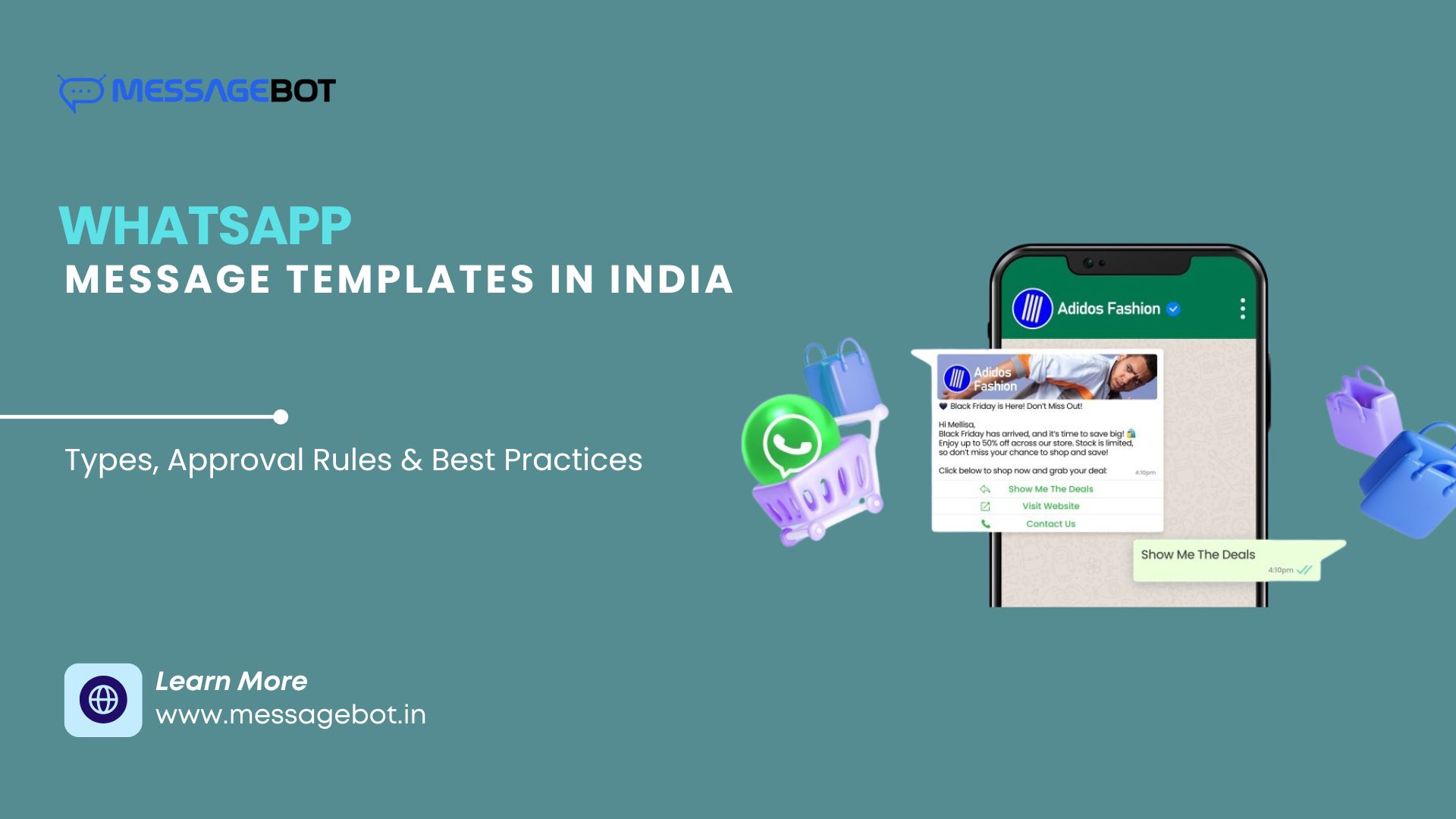
This guide covers everything Indian businesses need to know about WhatsApp Message Templates in 2026 — what they are, how they work, how to write them, what gets them rejected, and how to build a template strategy that performs.
What Is a WhatsApp Message Template?
A WhatsApp Message Template is a pre-approved message format submitted to Meta for review before use in the WhatsApp Business API. Once approved, it can be sent at scale to opted-in recipients with dynamic variables personalising content per recipient.
The requirement exists to protect users. Without template pre-approval, the WhatsApp Business API could become a spam channel overnight — bulk marketing messages to anyone, any time, any content. Templates give Meta a quality control layer: every message format a business wants to send at scale must pass review before the first message goes out.
When templates are required: Any business-initiated message sent outside an active 24-hour service window — meaning the customer hasn't messaged your business in the last 24 hours — must use an approved template. No exceptions.
When templates are not required: Inside an active 24-hour service window (when the customer messaged you first), you can send free-form replies without a template. This is the Service conversation category — and it's free.
Template Structure: What Goes Into a Template
A WhatsApp template has up to five components:
Header (optional) The top section of the message. Can be:
Text (up to 60 characters, one variable allowed)
Image (JPEG or PNG, displayed above the body)
Video (MP4)
Document (PDF)
Body (required) The main message text. Up to 1,024 characters. Supports multiple variables ({{1}}, {{2}}, etc.) for dynamic personalisation. This is the component Meta scrutinises most carefully — intent, clarity, and policy compliance are all evaluated here.
Footer (optional) Short supplementary text at the bottom. Typically used for unsubscribe information or legal disclaimers. Cannot contain variables.
Buttons (optional, up to 3) Two types:
Call-to-Action buttons: "Visit Website" (opens URL) or "Call Now" (dials number)
Quick Reply buttons: Predefined response options the user taps — "Confirm," "Reschedule," "Not Interested"
Variables Dynamic placeholders written as {{1}}, {{2}}, {{3}} — filled at send time with recipient-specific data. Every variable requires a sample value during submission showing Meta what the variable will contain.
The Four Template Categories — And Why They Matter Financially
Template category is the most financially consequential decision in your WhatsApp strategy. Meta's per-message pricing varies significantly by category, making misclassification expensive.
Authentication
Purpose: OTP delivery and verification flows — login, signup, transaction confirmation, password reset.
Format restrictions: One variable for the OTP code. Optional expiry line. Optional one-tap autofill button. No promotional content, no additional variables, no emojis, no hyperlinks.
Cost: ₹0.115 per delivered message (Meta's India rate, June 2026). Charged even inside the 24-hour service window — unlike utility messages.
Approval speed: Fastest category. Correctly formatted authentication templates typically approve within minutes.
Example:
{{1}} is your verification code. Do not share this with anyone.
Utility
Purpose: Transactional messages triggered by a business event or user action — order confirmations, payment receipts, delivery notifications, appointment reminders, EMI alerts, account updates.
Key rule: Utility messages inform the user about something they initiated or agreed to. They do not promote products or offers. The moment a utility message contains an offer, discount, or recommendation, it becomes a marketing template — regardless of what triggered it.
Cost: ₹0.115 per delivered message outside the 24-hour service window. Free inside the service window.
The most common and expensive mistake Indian businesses make: Adding "and get 10% off your next order" to an order confirmation. That makes it a marketing template at ₹0.8631 — 7.5x the utility rate.
Example:
Hi {{1}}, your order #{{2}} has been shipped and will arrive by {{3}}. Track here: {{4}}
Marketing
Purpose: Outbound promotional communication — offers, product launches, festive campaigns, cart recovery, re-engagement, catalogue shares, loyalty rewards.
Cost: ₹0.8631 per delivered message — Meta's highest-cost category.
Additional considerations: Subject to Meta's frequency capping. High block rates from recipients damage quality rating faster than other categories. Requires the strongest segmentation — irrelevant marketing templates to disengaged audiences generate block rates that restrict your account's daily messaging limits.
The math at scale: 1,00,000 messages/month as utility = ₹11,500 in Meta charges. The same volume as marketing = ₹86,310. Category selection is a real cost decision, not just a compliance checkbox.
Service
Purpose: Free-form replies sent within a 24-hour window after a customer messages your business first.
Template required: No. You can send any message content — text, images, documents — without pre-approval.
Cost: Free. No per-message charge.
The service window resets with every new inbound customer message. Active support conversations can remain free indefinitely as long as the customer keeps responding.
Category Cost Summary
Category | Cost Per Message | When Charged |
Authentication | ₹0.115 | Every delivery, including inside service window |
Utility | ₹0.115 | Only outside service window |
Utility (inside service window) | Free | When customer messaged you within 24 hrs |
Marketing | ₹0.8631 | Every delivery |
Service | Free | All replies within 24-hr customer window |
Rates based on Meta's published India pricing as of June 2026. 18% GST applies. Verify current rates at Meta's official pricing page before budgeting.
How Meta Reviews Templates: The Approval Process
Template review combines automated NLP screening with manual review for edge cases.
Stage 1 — NLP Intent Detection Meta's automated system scans the body text for promotional intent, spam signals, and policy violations. A utility template with offer language is flagged here within seconds.
Stage 2 — Policy Compliance Check Restricted content, unverifiable claims, unclear sender intent, and content violating Meta's Commerce Policy are screened. Certain categories (gambling, adult, crypto, multi-level marketing, political) are restricted regardless of template quality.
Stage 3 — Format Validation Variable count, placement, sample values, button configuration, character limits, and structural compliance are verified. Incorrect variable samples ("{{1}} = [name]" instead of "{{1}} = Priya") slow or fail review.
Stage 4 — Category Assignment Meta confirms or overrides the category you selected. If Meta reclassifies your utility template as marketing, your cost per message changes from ₹0.115 to ₹0.8631 immediately. Watch your template status in Meta Business Manager after submission.
Stage 5 — Decision Approved, rejected with reason, or flagged for manual review.
Timeline:
Simple, correctly formatted templates in clear categories: minutes to a few hours
Complex or borderline templates: up to 24 hours
Manual review required: can extend beyond 24 hours
Writing Templates That Get Approved First Time
Most template rejections are avoidable. The patterns that cause rejection are consistent.
Match category to actual content — before writing. Decide the category first, then write the template to fit it. Don't write a message and then try to figure out which category it belongs to — that's backward and leads to misclassification.
Be specific about intent in the body. Meta's NLP evaluates whether the message purpose is clear. "We have an update for you" fails. "Your order #{{1}} has been shipped" passes. Specificity signals legitimate transactional intent.
Use realistic sample values for every variable. Every {{n}} must have a sample value that represents what will actually be sent. "Priya" not "[customer name]." "ORD-45632" not "[order ID]." Generic placeholder descriptions slow review.
Avoid ALL CAPS. Meta's system flags excessive capitalisation as a spam signal. "YOUR PAYMENT IS DUE" will likely be rejected. "Your payment of ₹{{1}} is due on {{2}}" will not.
One primary CTA per template. Multiple conflicting calls-to-action confuse Meta's review and confuse recipients. One clear action per template.
Use verified domains in URL buttons. Call-to-action buttons that open URLs must point to domains associated with your verified Meta Business account. URL shorteners (bit.ly, tinyurl) frequently cause rejection.
Never include offers in utility templates. This deserves repetition because it is the most common rejection cause for Indian businesses. If your transactional message contains a discount, coupon, recommendation, or any promotional language — it is a marketing template. Submit it as one.
Template Quality Rating: The Metric That Controls Your Reach
Meta tracks how recipients respond to your templates after delivery. Block rates and report rates from users who receive your messages feed into a quality rating for each template.
Quality levels:
Green — healthy, full sending capacity
Yellow — caution, messaging limits may be reducing
Red — template paused automatically, must be revised and resubmitted
A template at Red is unusable until you edit and resubmit it. Repeated quality issues across templates affect your account-level quality rating — which controls your daily messaging limits, potentially down to a few hundred messages per day regardless of your plan.
What drives quality rating down:
Marketing templates sent to non-consented or poorly segmented audiences
Messages sent too frequently to the same users
Content that doesn't match what the user opted in to receive
Promotional content in templates submitted as utility (users feel misled and block)
What keeps quality rating high:
Strong segmentation — only send marketing templates to users who have opted in and are likely to find the content relevant
Appropriate frequency — don't blast the same audience with marketing messages weekly
Clear sender identity — users who recognise you are less likely to block
Authentication templates almost never have quality issues. Users expect OTPs and don't block them. Utility templates have quality issues when they contain unexpected promotional content. Marketing templates have quality issues at scale when segmentation is poor.
The Template API: How It Works for Developers
When sending a template via the WhatsApp Business API, the components array in your API request must exactly match the approved template structure — same variable count, same types, same order.
{
  "to": "919876543210",
  "type": "template",
  "template": {
    "name": "order_shipped_update",
    "language": {
      "code": "en"
    },
    "components": [
      {
        "type": "body",
        "parameters": [
          { "type": "text", "text": "Rahul" },
          { "type": "text", "text": "ORD-45632" },
          { "type": "text", "text": "Tomorrow by 6pm" },
          { "type": "text", "text": "https://track.yourstore.com/ORD-45632" }
        ]
      }
    ]
  }
}
Critical developer gotchas:
Variable count mismatch — passing 3 parameters to a 4-variable template causes invalid_parameter error. Passing 4 to a 3-variable template causes the same.
Button components are separate — if your template has a one-tap autofill button (authentication) or CTA buttons (utility/marketing), the button component must be included in the components array separately from the body. This is the most common developer error in WhatsApp OTP implementations. The full technical implementation is covered in the WhatsApp OTP API integration guide.
Language code must be exact — "en" for English, "hi" for Hindi, "ta" for Tamil. Submitting with the wrong language code causes delivery failure even if the template is approved.
Industry-Specific Template Examples for India
E-commerce and D2C
Use Case | Category | Sample Body |
Order confirmed | Utility | "Hi {{1}}, your order #{{2}} is confirmed. Expected delivery: {{3}}." |
Order shipped | Utility | "Hi {{1}}, your order #{{2}} has shipped. Track: {{3}}" |
Delivery today | Utility | "Hi {{1}}, your order arrives today between {{2}}–{{3}}. Someone home?" |
Cart recovery | Marketing | "Hi {{1}}, you left something behind. Your cart expires in {{2}} hours." |
Festive offer | Marketing | "Hi {{1}}, our Diwali sale is live! {{2}}% off until {{3}}. Shop: {{4}}" |
Fintech and Banking
Use Case | Category | Sample Body |
Transaction OTP | Authentication | "{{1}} is your transaction OTP. Valid for 5 minutes. Do not share." |
Payment received | Utility | "₹{{1}} received in your account on {{2}}. Balance: ₹{{3}}." |
EMI reminder | Utility | "Hi {{1}}, your EMI of ₹{{2}} is due on {{3}}. Pay: {{4}}" |
Fraud alert | Utility | "Alert: A transaction of ₹{{1}} was attempted at {{2}}. Not you? Call {{3}}." |
Healthcare
Use Case | Category | Sample Body |
Appointment reminder | Utility | "Hi {{1}}, your appointment with Dr. {{2}} is on {{3}} at {{4}}." |
Lab report ready | Utility | "Hi {{1}}, your {{2}} report is ready. Download: {{3}}" |
Follow-up reminder | Utility | "Hi {{1}}, it's been {{2}} since your last visit. Schedule a follow-up: {{3}}" |
Education
Use Case | Category | Sample Body |
Fee reminder | Utility | "Hi {{1}}, your fee of ₹{{2}} for {{3}} term is due on {{4}}. Pay: {{5}}" |
Exam schedule | Utility | "Hi {{1}}, your {{2}} exam is on {{3}} at {{4}} in {{5}}." |
Admission campaign | Marketing | "Hi {{1}}, admissions for {{2}} batch open now. Limited seats. Apply: {{3}}" |
Common Template Mistakes Indian Businesses Make
Promotional content in utility templates — the most frequent and most expensive mistake. Adding offers, discounts, or product recommendations to what should be a transactional notification instantly reclassifies it as marketing.
Applying immediately after API activation — new accounts with no messaging history have lower approval rates for complex marketing templates. Build some utility and authentication template usage first.
Generic variable descriptions in submissions — "{{1}} = customer name" fails review. "{{1}} = Rahul" passes. The sample must be realistic, not a description.
Not monitoring quality rating after campaigns — the first sign of trouble is a template moving from Green to Yellow. Catching it early and adjusting before it hits Red prevents account-level messaging restrictions.
Reusing the same template for multiple use cases — one template per specific use case. A generic "account update" template gets rejected because the intent is unclear. "Your EMI payment confirmation" passes because intent is specific.
Editing approved templates — approved templates cannot be modified. Creating a variation requires a new template submission and review cycle. Build this lead time into your campaign calendar.
Template Strategy for Scale: Building a Template Library
For businesses operating WhatsApp at scale — e-commerce, fintech, logistics, healthcare — a well-organised template library becomes operational infrastructure.
Organise by category first, then by use case. Keep authentication, utility, and marketing templates clearly separated. This prevents the misclassification problem and makes it easier to audit your cost exposure per category.
Build fallback variants. For critical flows like OTP delivery and order updates, have a secondary template approved and ready. If a primary template's quality rating drops to Red, you need an immediate alternative without a 24-hour review wait.
Plan for regional languages. If your user base includes significant Hindi, Tamil, Telugu, or other regional language audiences, submit language-specific template variants. Each language requires its own review and approval — plan 48–72 hours for regional language template approval.
Pre-register campaign templates early. Festive campaigns require templates registered well in advance. A template submitted the day before Diwali sale launch — when Meta's review queue is highest — may not be approved in time. Register campaign templates 2–3 weeks in advance.
Audit template library quarterly. Inactive templates that haven't been used in 90+ days can be paused or removed. A cluttered template library makes it harder to identify which templates are performing well and which are driving quality rating issues.
Conclusion
WhatsApp Message Templates are the operational foundation of every WhatsApp Business API implementation. Getting them right — correct category, clear intent, specific variables, pre-registered well in advance — directly determines your cost per message, your account's messaging capacity, and your campaign's deliverability.
The two decisions with the most financial impact: category selection (the difference between ₹0.115 and ₹0.8631 per message) and quality rating management (the difference between unlimited daily sends and a few hundred). Both are within your control if you understand the system.
Build your template library deliberately — one template per use case, correct category from the start, regional language variants where your audience needs them, and campaign templates registered weeks before you need them. That discipline is what separates WhatsApp operations that scale from those that hit quality rating problems at the worst possible moment.
MessageBot provides WhatsApp Business API access with template management support for Indian businesses.
Frequently Asked Questions
How long does WhatsApp template approval take in India?
Simple templates in clear categories typically receive automated approval within minutes to a few hours. Complex or borderline templates may take up to 24 hours. Manual review for flagged templates can extend beyond this. Regional language templates often take longer than English.
Can I edit a WhatsApp template after it's been approved?
No. Approved templates cannot be modified. You must create a new template and submit it for review. The approved template continues to work in its original form until you choose to delete it.
What happens if Meta changes my template category?
If Meta reclassifies your utility template as marketing, your cost per delivered message changes from ₹0.115 to ₹0.8631 immediately — for all future sends using that template. Review the reclassification reason and either edit the template to remove promotional elements or accept the marketing classification and budget accordingly.
How many templates can I have per WhatsApp Business Account?
Meta allows a large number of templates per account without a strict published limit. The practical limit is quality — having many low-performing templates affects your account's overall quality rating. Focus on template quality over quantity.
Can I use the same template in multiple languages?
Yes. Submit the same template in multiple languages — each as a separate template submission with its own review. Approval in one language does not automatically mean approval in others.
Why was my template rejected for "promotional content" when it's a service message?
The most common cause: the body text contains language Meta's NLP classifies as promotional — words like "offer," "discount," "save," "free," "limited time," or any percentage. Review the body carefully for any language that could indicate a promotional goal rather than a service purpose.
Do WhatsApp templates require DLT registration in India?
No. WhatsApp templates are approved through Meta's own review system, which is entirely separate from TRAI's DLT framework. DLT registration applies to SMS and voice messages — not WhatsApp.
What is a template quality rating and how does it affect my account?
Meta monitors how recipients respond to your templates. If users frequently block your number or report messages after receiving a specific template, that template's quality rating drops from Green to Yellow to Red. A Red template is automatically paused. Persistent quality issues across templates reduce your account's daily messaging capacity — potentially limiting you to a few hundred messages per day regardless of your subscription plan.