
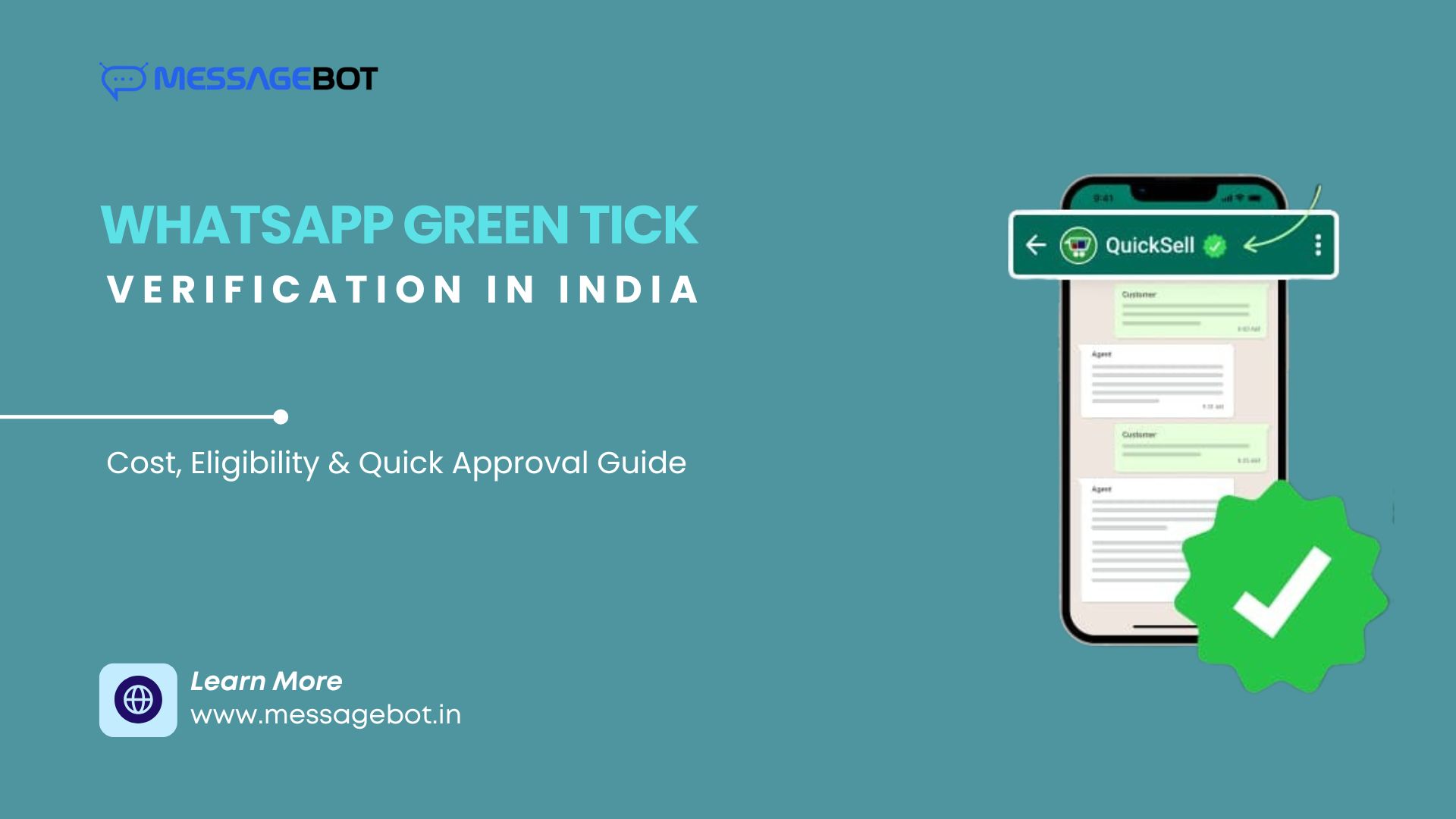
The WhatsApp Green Tick is Meta's official verification badge for businesses — the checkmark that appears next to your business name in WhatsApp chats, confirming to recipients that this is an authenticated, legitimate business account.
If you're running the WhatsApp Business API in India and want the green tick, this guide covers exactly what it takes to get approved, what gets applications rejected, and what Meta is actually evaluating when they review your request.
What the Green Tick Does (and Doesn't Do)
When your business has the green tick:
Your verified business name appears in chat instead of your phone number
A green checkmark badge is visible in the chat header
Recipients can confirm your identity without needing to search for your number
What it doesn't do: it doesn't change your messaging capabilities, it doesn't reduce your per-message costs, and it doesn't guarantee higher delivery rates. It's an identity signal — valuable for trust, not for technical performance.
The green tick is only available to businesses using the WhatsApp Business API. The standard WhatsApp Business App does not support green tick verification.
The Green Tick Is Free
Meta does not charge for green tick verification. There is no application fee, no annual renewal fee, and no payment required to maintain the badge once approved.
What you do pay for: WhatsApp API conversation charges, your BSP's platform fee, and any one-time onboarding costs your BSP charges. The verification badge itself costs nothing.
Eligibility: What Meta Actually Requires
Meta evaluates green tick applications against several criteria. Meeting the mandatory requirements is necessary but not sufficient — the approval decision also factors in brand credibility signals.
Mandatory requirements:
Active WhatsApp Business API number (not the Business App)
Verified Facebook Business Manager account with business documents submitted
Registered business with GST certificate or PAN
Display name that clearly and consistently represents your brand
Business website that matches your brand identity
Brand credibility signals Meta evaluates:
Online presence — website with content, social media profiles, Google Business listing
Brand recognition — not necessarily famous, but verifiable. A brand with reviews, news mentions, or significant social following is easier to verify than one with no digital footprint
WhatsApp API usage history — accounts that have been actively sending messages (OTPs, notifications, transactional updates) before applying have higher approval rates than newly activated accounts that apply immediately
Messaging quality — clean history with low block rates and no spam complaints
Categories that are typically rejected:
Crypto and NFT businesses
Gambling and betting platforms
Political and government entities (on a case-by-case basis)
Multi-level marketing businesses
Adult content
What Actually Gets You Approved (and What Doesn't)
This is what most guides don't tell you clearly: Meta's green tick is not a straightforward document verification process. It's a brand credibility assessment.
What helps approval:
A strong, consistent online presence is the single most important factor for businesses that aren't already well-known brands. A website with clear business information, active social media profiles, and Google reviews demonstrating real customer activity gives Meta enough to verify your identity confidently.
Active API usage before applying matters more than most businesses expect. An account that has been sending transactional messages, OTPs, or notifications for several months has demonstrated legitimate business use. Applying immediately after API activation — before any real usage — frequently results in rejection.
Display name consistency is non-negotiable. Your WhatsApp display name must match your registered business name, your website, and your social media presence. "ABC Fintech Pvt Ltd" operating as "QuickLoans" with a display name of "Quick Loans Support" creates enough inconsistency to trigger rejection.
What gets you rejected:
Weak or no online presence is the most common rejection reason for legitimate businesses. If Meta can't independently verify who you are from publicly available information, the application fails — regardless of how good your documents are.
Generic display names like "Support Team," "Customer Care India," "Info Desk," or anything that doesn't clearly identify a specific brand are rejected consistently.
A dormant API account applying for green tick is a red flag. Build actual messaging history — at minimum a few months of regular transactional or notification sends — before applying.
Mismatched brand identity across documents, website, and display name. Any inconsistency that makes Meta uncertain about whether the applicant and the brand are the same entity leads to rejection.
The Application Process: Step by Step
Step 1 — Activate and use the WhatsApp Business API. If you haven't already, get API access through an official BSP. Use the API actively for at least 30–60 days before applying for green tick. Send real messages — OTPs, transactional notifications, customer updates.
Step 2 — Complete Facebook Business Verification. In Meta Business Manager, submit your business documents for verification: GST certificate, PAN, registered address, website. This is separate from the green tick application but is a prerequisite. Business verification typically takes a few business days.
Step 3 — Confirm your display name. Your display name must be final before applying — Meta reviews it as part of the green tick application, and changing it after approval is a separate process. Confirm it matches your brand identity across all channels.
Step 4 — Strengthen your online presence. Before submitting the green tick request, audit your digital footprint: Is your website live with clear business information and contact details? Are your social media profiles active and clearly associated with your brand? Do you have Google reviews or any third-party mentions? If any of these are weak, address them first.
Step 5 — Submit the green tick request. In Meta Business Manager, navigate to WhatsApp Account settings and submit the Official Business Account (OBA) request. Your BSP can help prepare and submit this if you prefer managed support.
Step 6 — Wait for Meta's review. Typical timeline: 3–7 business days. Meta may approve, reject, or request additional information. If rejected, you can reapply after 30 days — use that time to strengthen whatever gap caused the rejection.
If Your Application Gets Rejected
Rejection is common, particularly for businesses with limited online presence. The 30-day wait before reapplying is mandatory, but it's also useful time to address the actual gap:
Rejection reason: insufficient brand presence — build out your website content, get Google reviews, ensure social profiles are active and consistently branded
Rejection reason: display name issues — align your display name exactly with your registered business identity and resubmit
Rejection reason: low API activity — continue using the API actively for another 60 days before reapplying
No reason given — Meta doesn't always specify. Audit all three areas (presence, display name, API activity) and address any weakness before the next attempt
Multiple rejections are possible before approval for businesses building their digital presence. This is not unusual — it reflects that the green tick is a credibility signal, not just a document check.
How Long Does the Green Tick Last?
Once approved, the green tick remains on your account as long as:
Your WhatsApp Business API account remains active
Your messaging quality stays high (low block rates, no spam violations)
Your business verification in Meta Business Manager remains valid
Meta can revoke the badge for policy violations or if your account's quality rating deteriorates significantly. Maintaining good messaging hygiene — relevant templates, consented audiences, appropriate frequency — protects the badge long-term.
Conclusion
The WhatsApp green tick is worth pursuing for any business running the API at scale — it's free, it builds recipient trust, and it distinguishes your messages from unverified numbers in a channel where phishing and impersonation are real concerns.
Getting approved requires more than submitting documents. It requires a verifiable brand identity: consistent name across all channels, a real online presence Meta can independently confirm, and API usage history that demonstrates legitimate business activity.
Build those foundations first, then apply. Businesses that apply immediately after API activation with minimal online presence get rejected predictably. Businesses that spend 60–90 days building API usage history and digital presence first get approved at significantly higher rates.
MessageBot supports WhatsApp Business API onboarding and green tick application assistance for Indian businesses. Explore WhatsApp API setup.
Frequently Asked Questions
Does the green tick improve message delivery rates? No. Delivery rates are determined by your API routing, template quality, and recipient connectivity — not the green tick. The badge affects trust and user perception, not technical delivery.
Can I get the green tick on the WhatsApp Business App? No. Green tick verification is only available for accounts using the WhatsApp Business API. The standard Business App does not support official business account verification.
How long does approval take? Typically 3–7 business days from submission. This can be longer if Meta requests additional documentation or if your application requires more detailed review.
What if my business category is rejected? Some categories are ineligible for green tick verification regardless of brand strength. If your business is in a restricted category, the green tick is not available — focus on other trust signals like verified display name and consistent branding instead.
Can my BSP apply on my behalf? Yes. Most BSPs including MessageBot can submit the green tick application as part of onboarding support. They handle the Meta Business Manager submission and document packaging — but the underlying brand credibility assessment is still Meta's decision.